Classique
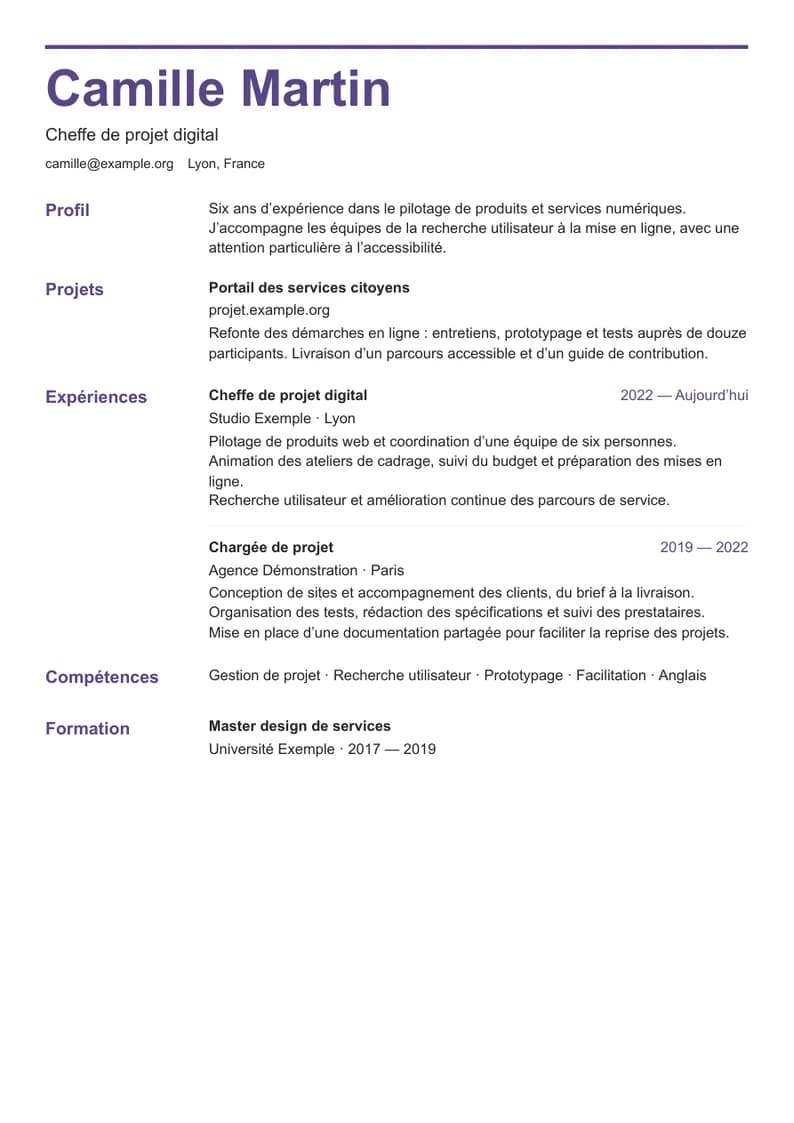
A simple, clean layout.

Build your resume without spending hours on the layout. Add your background, choose a design and adjust the details that matter.
29 customizable resume templates, no account required. Save your A4 resume as a PDF through your browser.
No account. Your resume stays on this device.
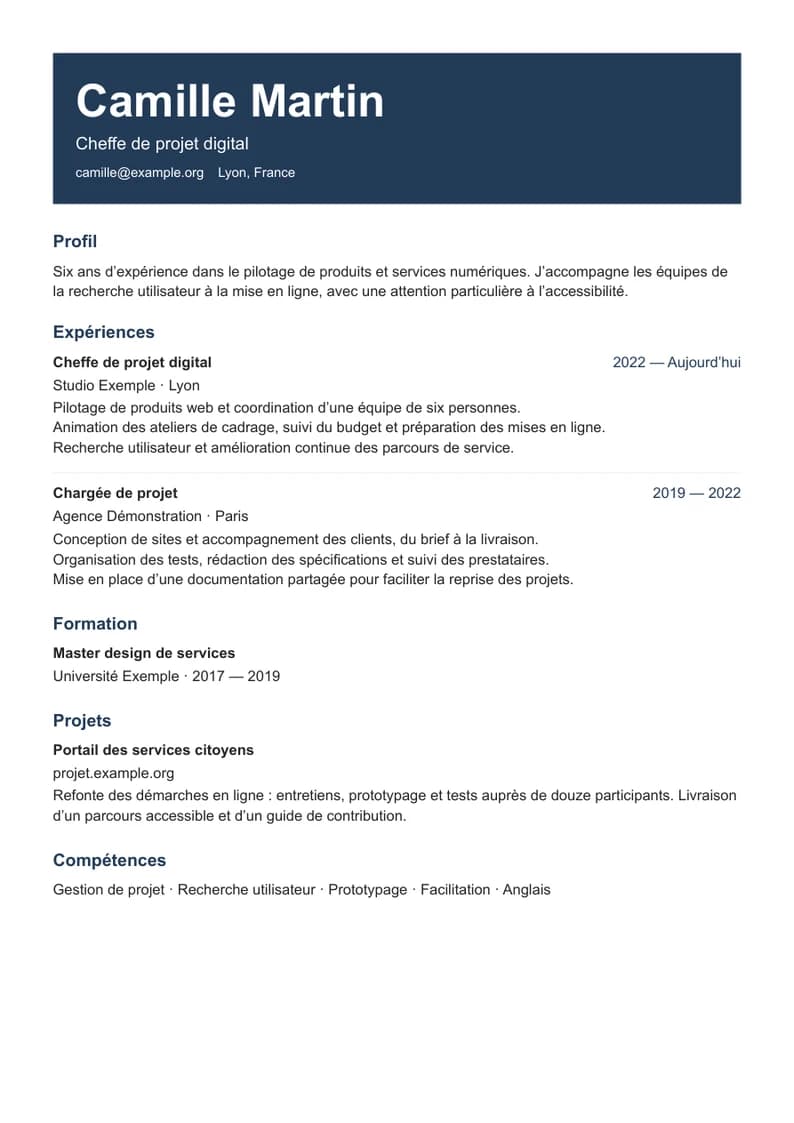
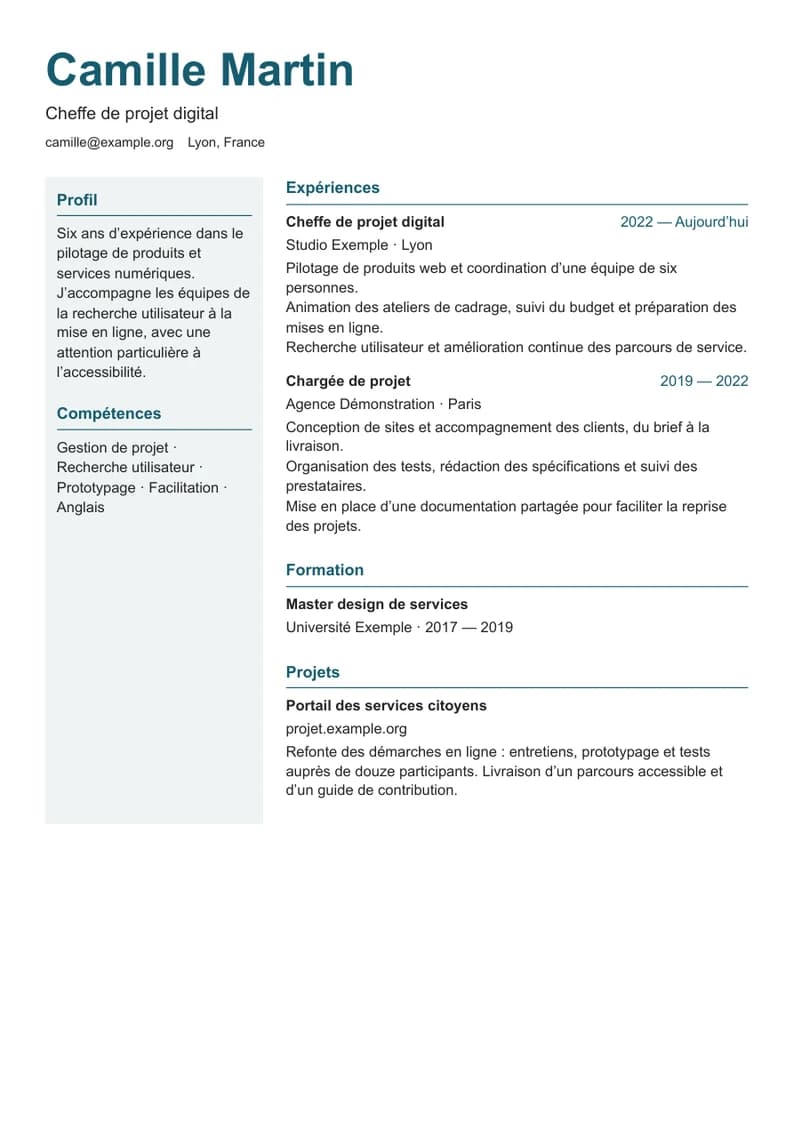
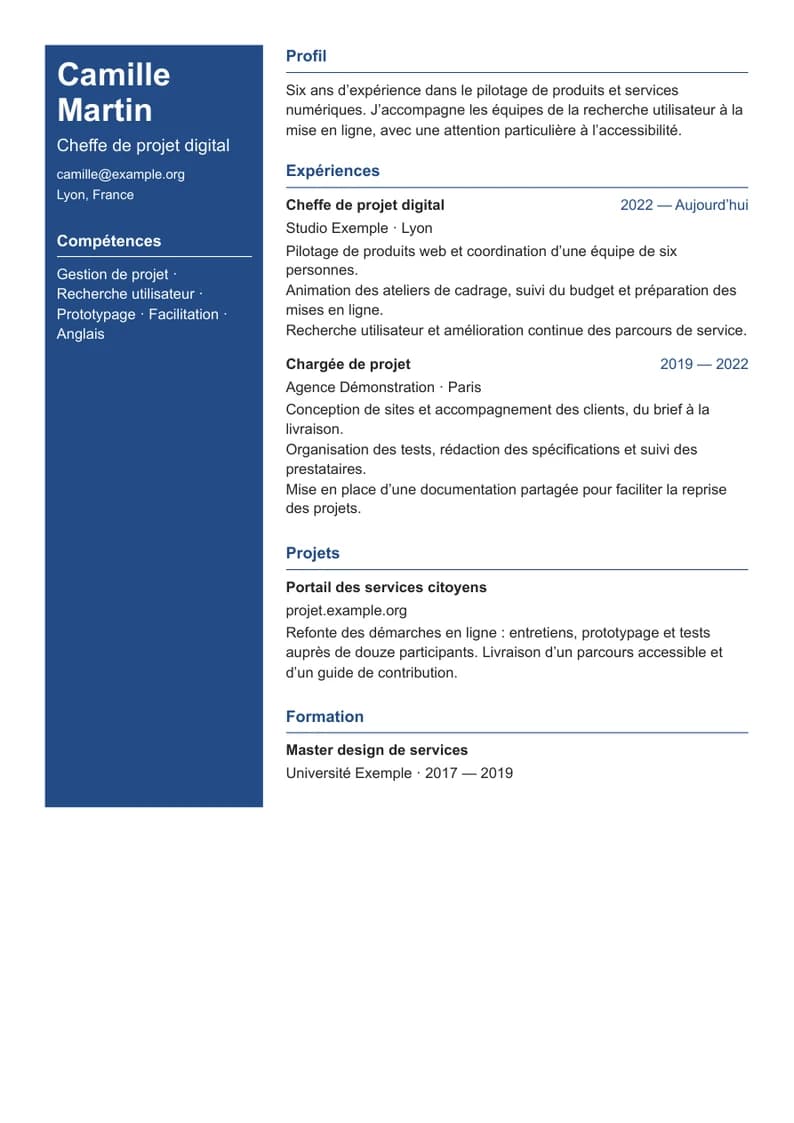
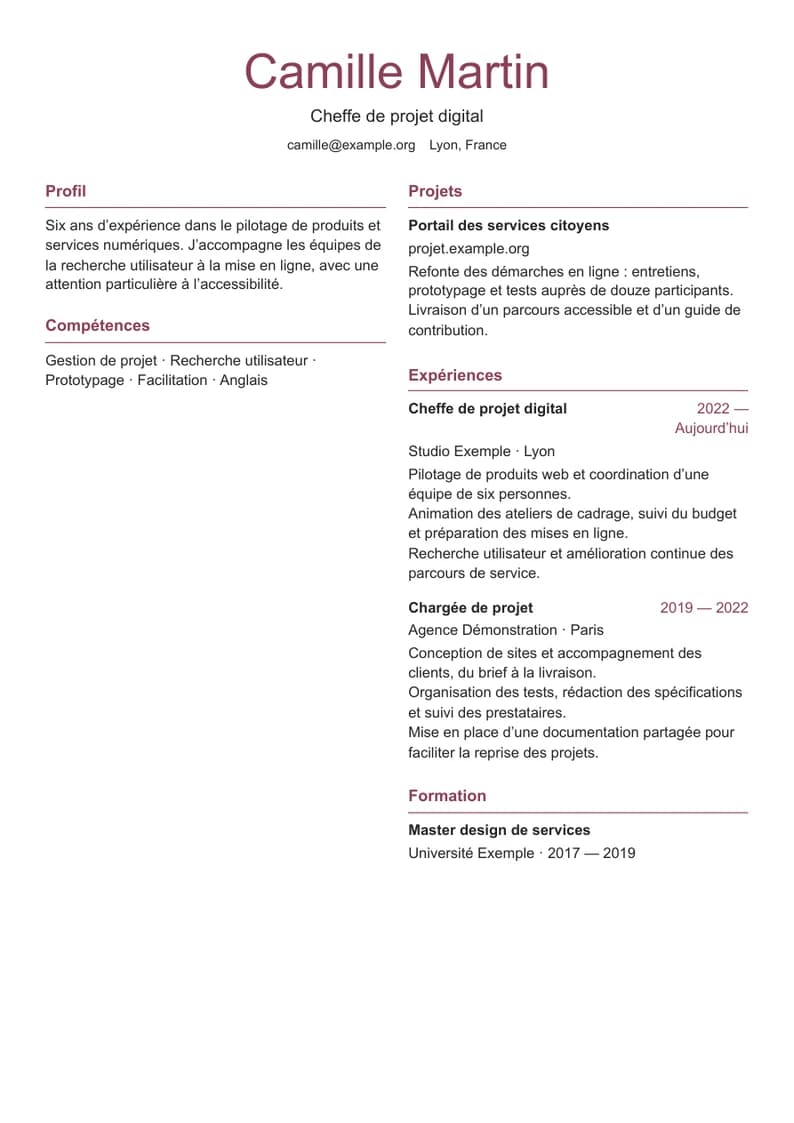
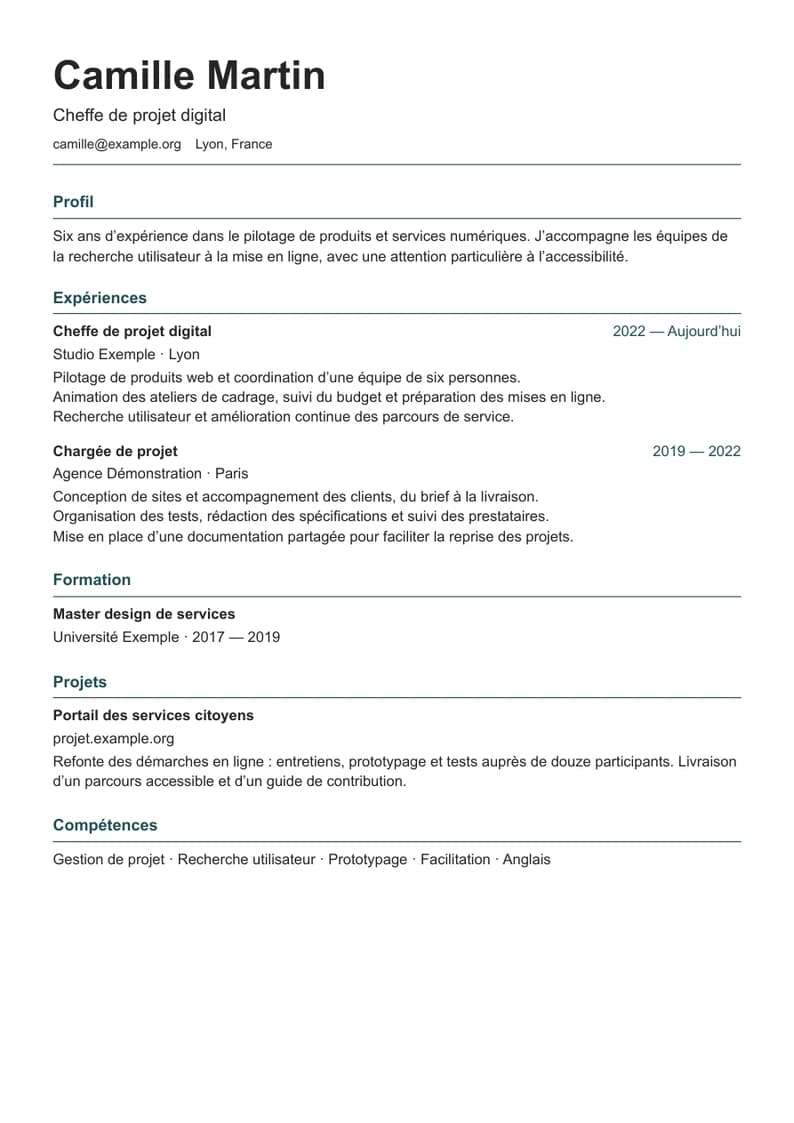
Choose a restrained, editorial or more creative layout. Your information stays the same when you change the design.
A selection from our 29 templates. Opening the editor preserves your current resume and lets you choose.
Enter your background, then work on the layout at your own pace. The structure is there to help, while you make the decisions.
Add your experience, education, projects and skills in sections that are easy to fill in.
Choose a template, change the colors and add a photo if you like. The preview updates as you make changes.
Check your A4 pages, then use the browser print dialog to save the PDF.
Fictional content and portrait. The editor views and templates come from the actual product.
Two ways to work with the same professional information.
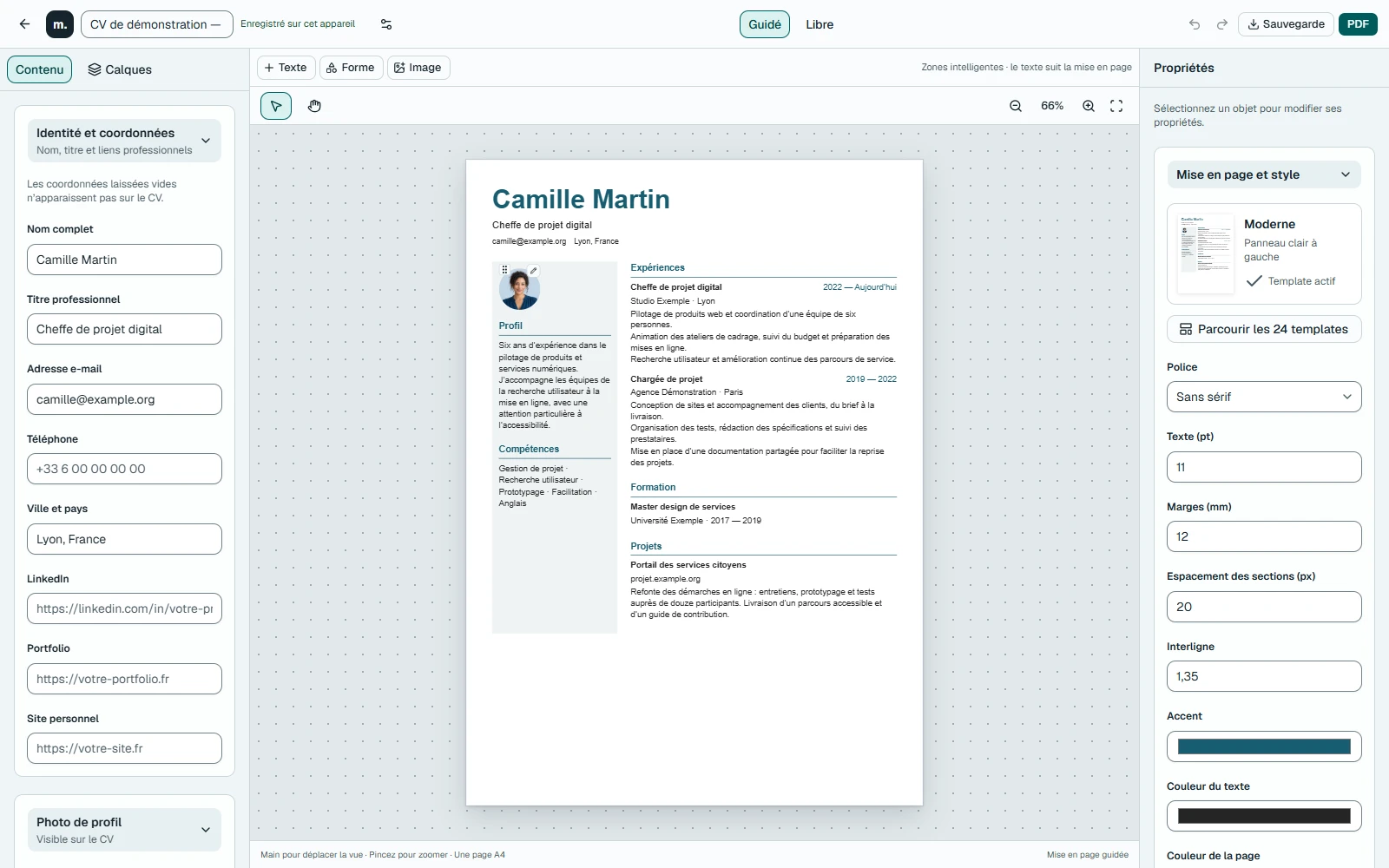
Fill in your sections, rearrange them and let the template handle the layout. You can then adjust the settings you need.
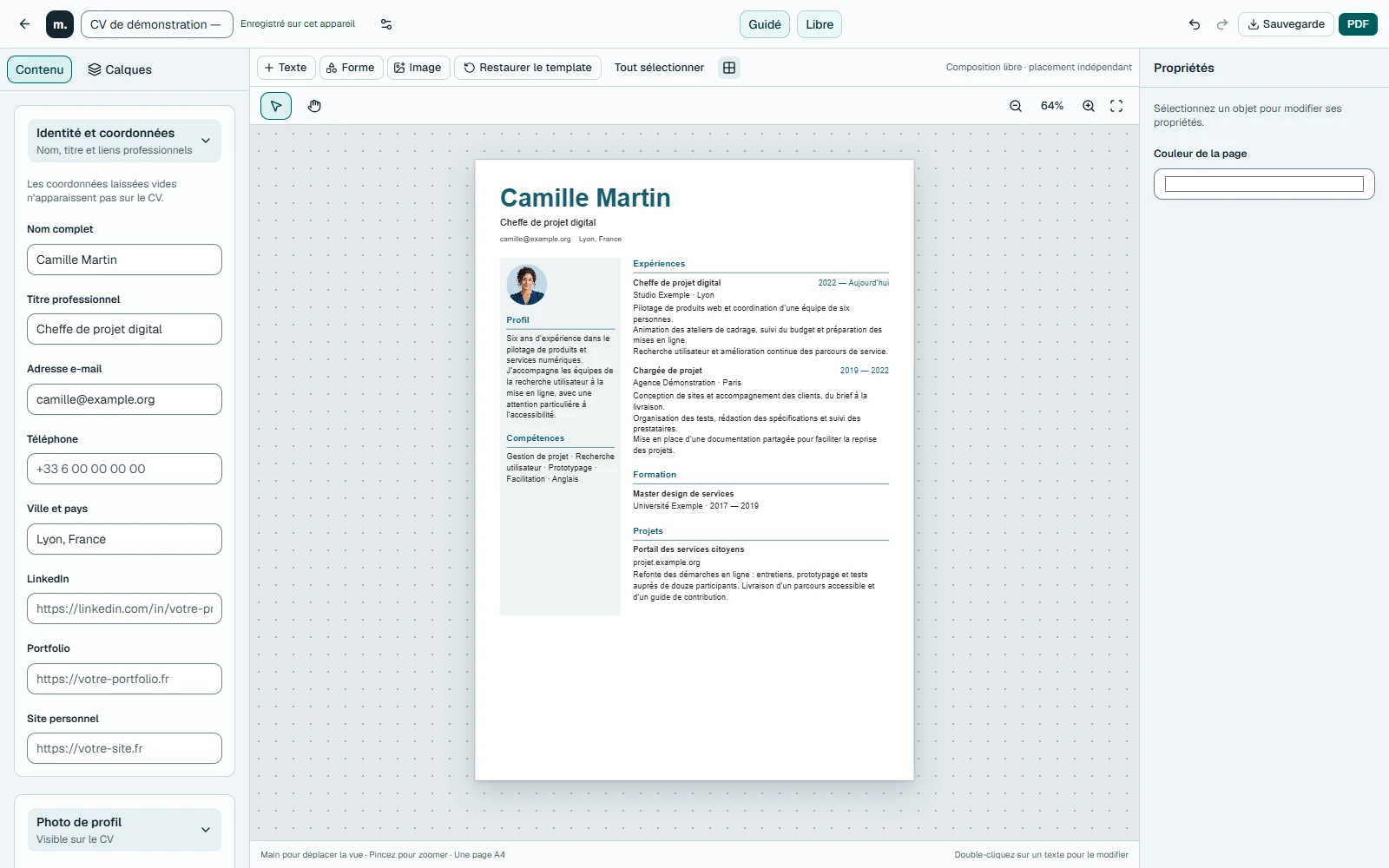
Move text, shapes and images. Change their size and position to compose the page however you like.
No account is needed. Your resume and images are saved in this browser. Download a backup before switching devices or browsers.
Then it’s time for your story.
Choose the right sections, describe your experience and check your PDF before sending it. Our guide walks you through preparing a one-page resume.
A template to start with. Your story to make it unique.
Open editorNo account. At your own pace.